> For the complete documentation index, see [llms.txt](https://dmitriy-vergasov.gitbook.io/character-interaction-system-extended-1/llms.txt). Markdown versions of documentation pages are available by appending `.md` to page URLs; this page is available as [Markdown](https://dmitriy-vergasov.gitbook.io/character-interaction-system-extended-1/character-interaction-system/side-object-actions.md).
# Side Object Actions
The **CISInteractionObjectAction** class is utilized for performing various actions with an interactive object.
This could involve playing animations, sounds, spawning some FX, dropping loot, etc.
Create a subclass of **CISInteractionObjectAction**.
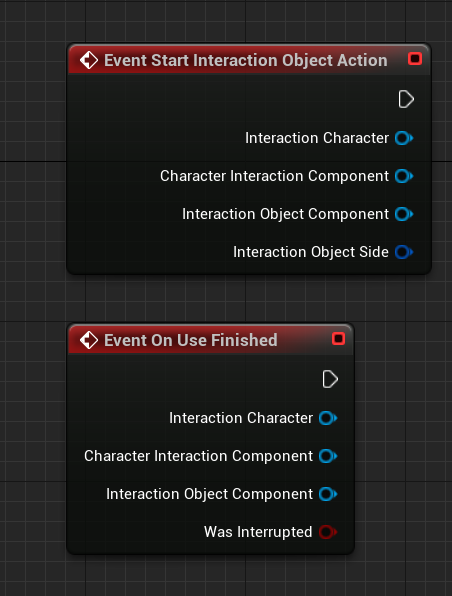
You will have access to two functions for overriding. The first one will be called when the action starts executing, and the second one will be called when it has finished.
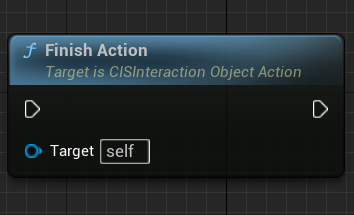
To consider an action completed, you need to call the **FinishAction** function.
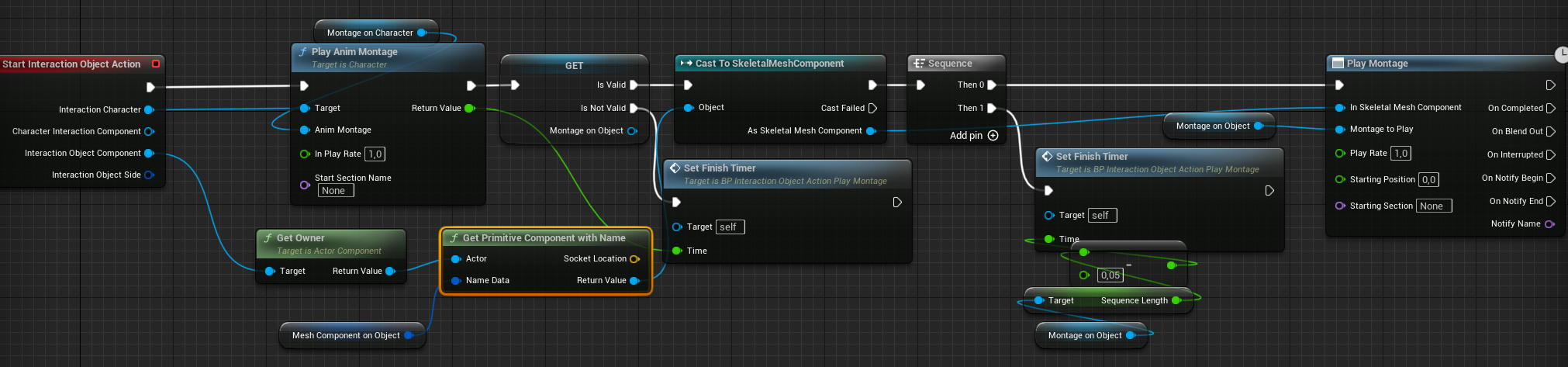
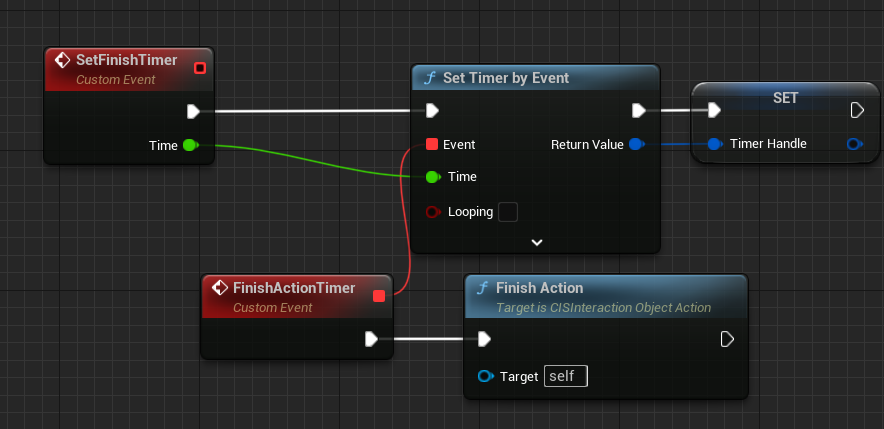
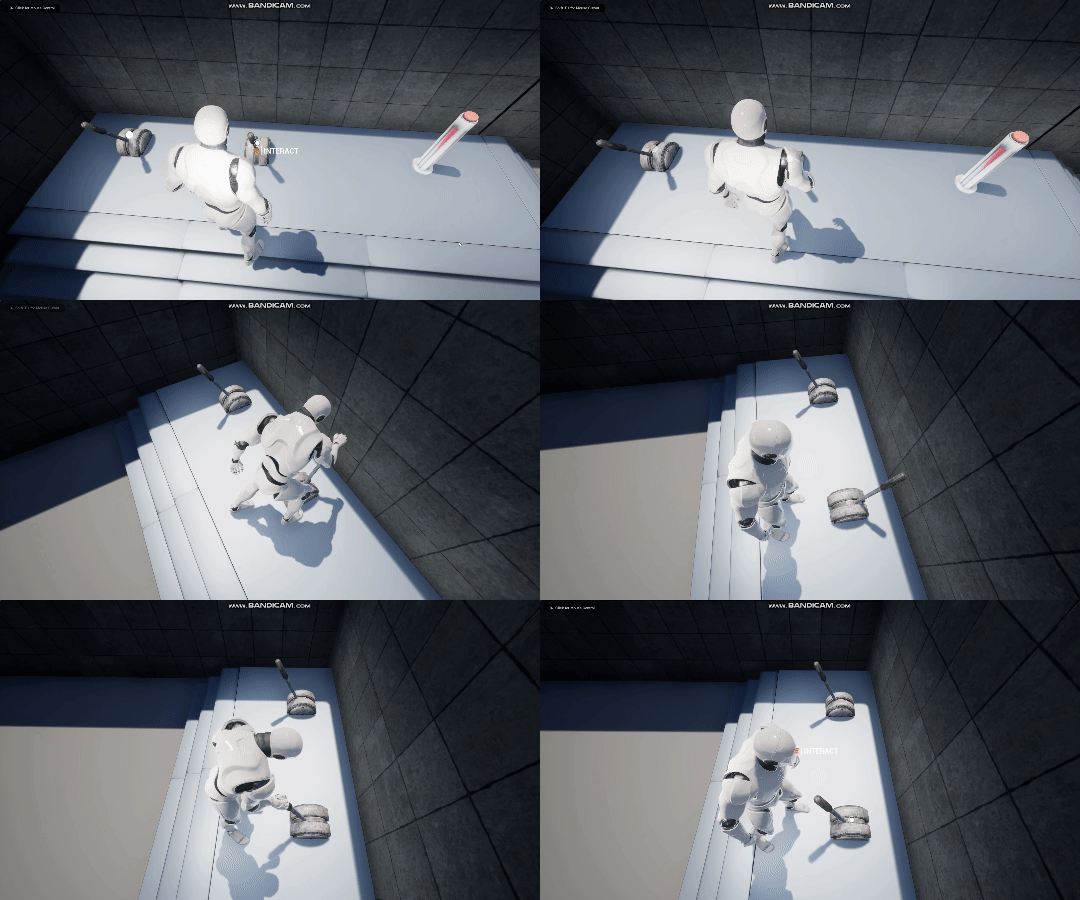
Example of implementing an action to play an animation on the interaction object and character. After the animation has played, the action is completed
Result: